Programming & Software course
Swift Programming Basics
Write foundational Swift code using functions, optionals, and structs to build custom image filters.
18 lessonsabout 2 hours in allBeginnerFree
Lessons of 5 to 10 minutes, taught by Milo, your AI tutor. In your browser now; phone apps soon.
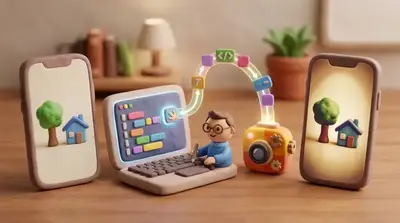
By the end you can
- Write foundational Swift code using variables, control flow, collections, functions, optionals, closures, and structs
- Process pixel grids by applying configurable brightness and other filter functions in sequence
What you'll learn, lesson by lesson
- 1Trying Code in a PlaygroundType a sum and a short message and read the results next to each line.
- 2Reading Errors and DebuggingFix a line that uses a name before it was created.
- 3Constants and VariablesChoose let or var for a birthday and for a step counter.
- That's a preview. 15 more lessons follow.
Take all 18 lessons free in the Milo app, with Milo teaching each one.
Start this course free - 4Making Decisions with if and switch
- 5Loops and Ranges
- 6Arrays
- 7Dictionaries
- 8Writing Functions
- 9Grids with 2D Arrays
- 10Optionals: Values That Might Be Missing
- 11Unwrapping Optionals Safely
- 12Closures
- 13Structs and Properties
- 14Value Types and Reference Types
- 15Images Are Grids of Pixels
- 16Changing Every Pixel
- 17Building a Filter Processor
- 18Filters with Settings
Inside the app
Not a video. A tutor who teaches you.
Milo explains each idea of Swift Programming Basics out loud and on the blackboard, checks you understood, and coaches you when you slip. Lessons take 5 to 10 minutes.
Start free

More in Programming & Software
See all
Free to learn
This course is free. So is Milo's help planning it.
Every course in Milo's library, your growth plan and Milo's weekly check-ins cost nothing. Members, from $5 a month, also get lessons written just for them.
- Can I really start for free?
- Yes. No card needed.
- Can I cancel a membership any time?
- Yes, from your account. You keep it until the end of the month you paid for.
- Where does it work?
- In any browser on a phone, tablet or computer. Phone apps are on the way.